Your Jump Rope Journey, Beautifully Tracked.
Log workouts, crush goals, and build unstoppable streaks — all offline, all on your device.
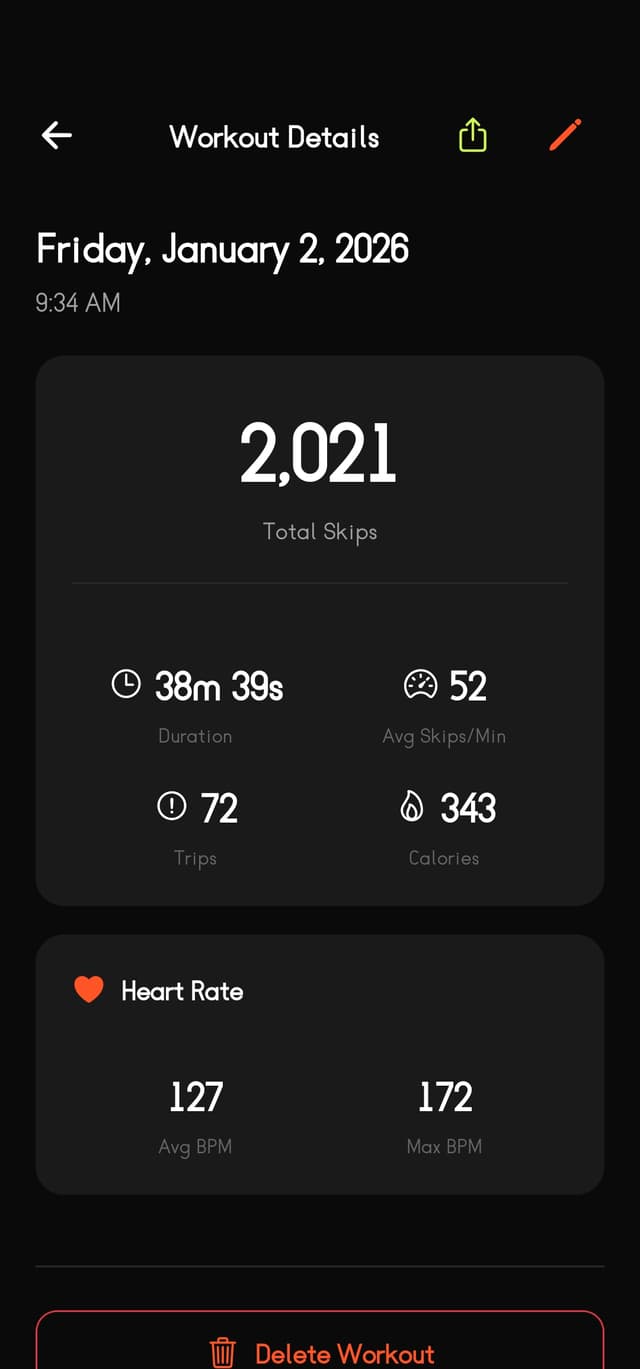
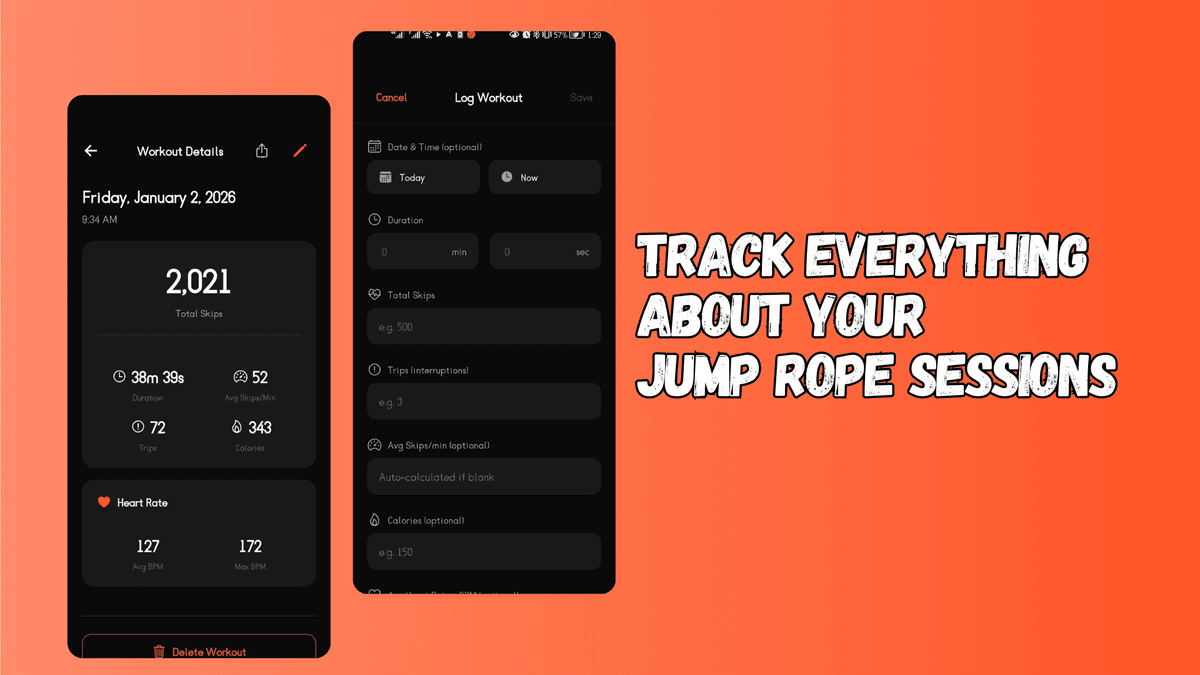
Log every rep. Miss nothing.
Track duration, skip count, trips, calories, heart rate, and notes. Everything you need — nothing you don't.
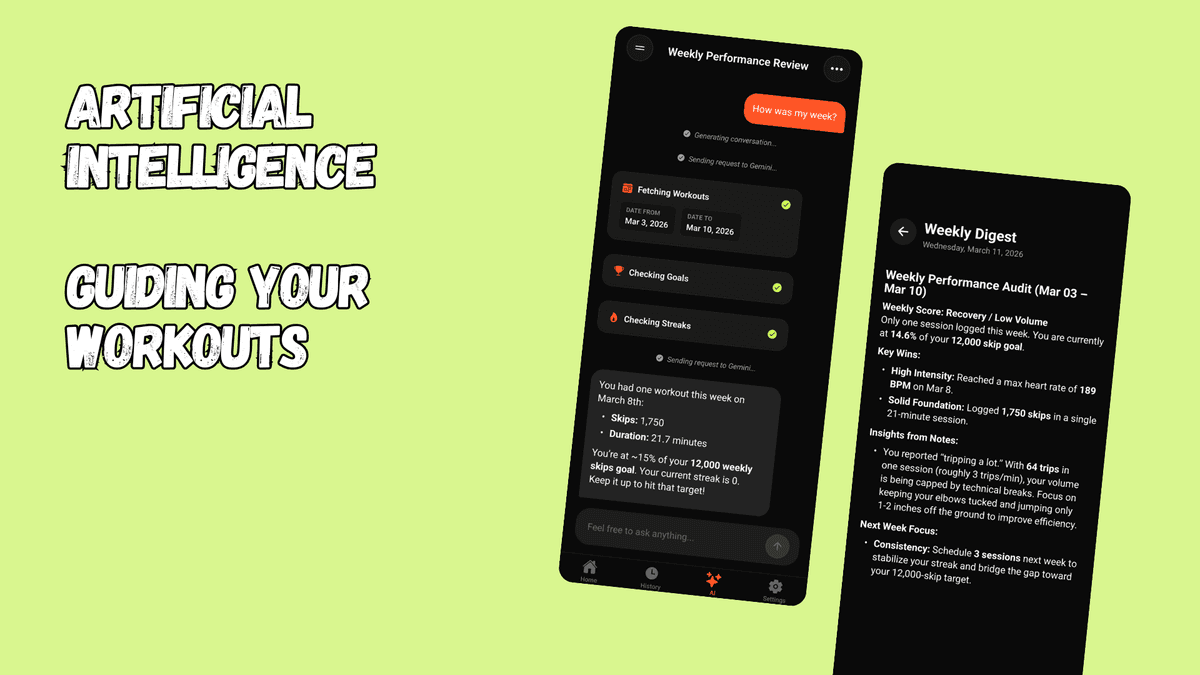
Your personal coach, powered by AI.
Ask questions, get personalized advice, or just log a workout in plain English. The coach knows your data — your workouts, your goals, all of it.
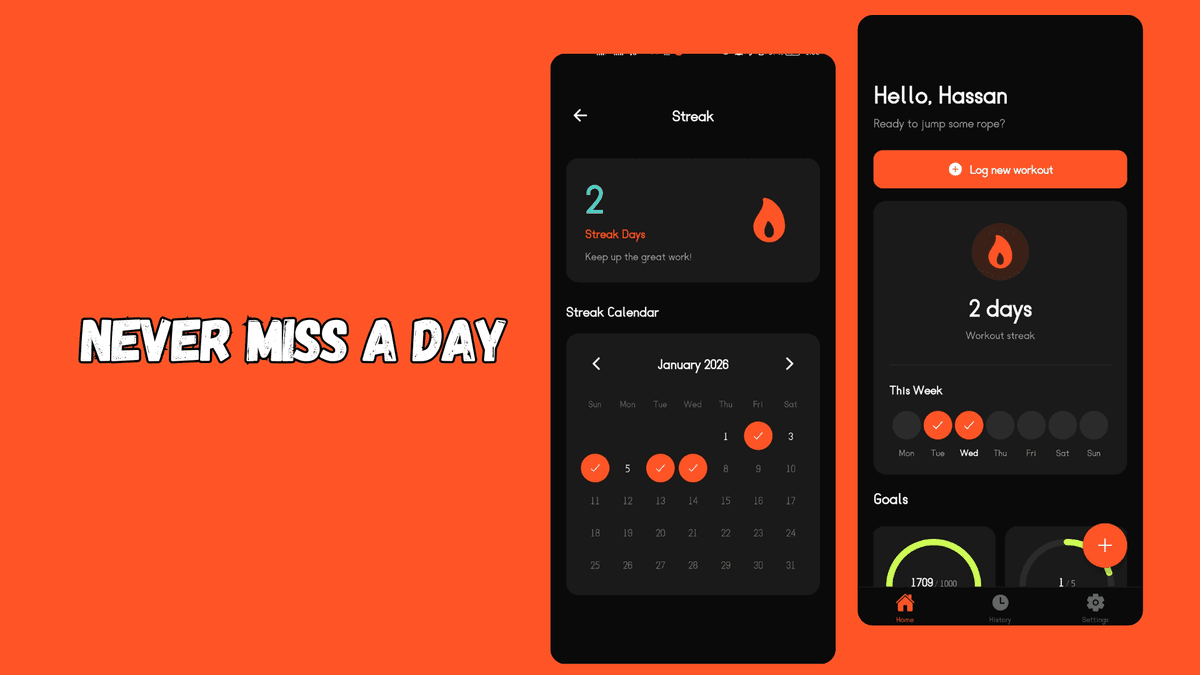
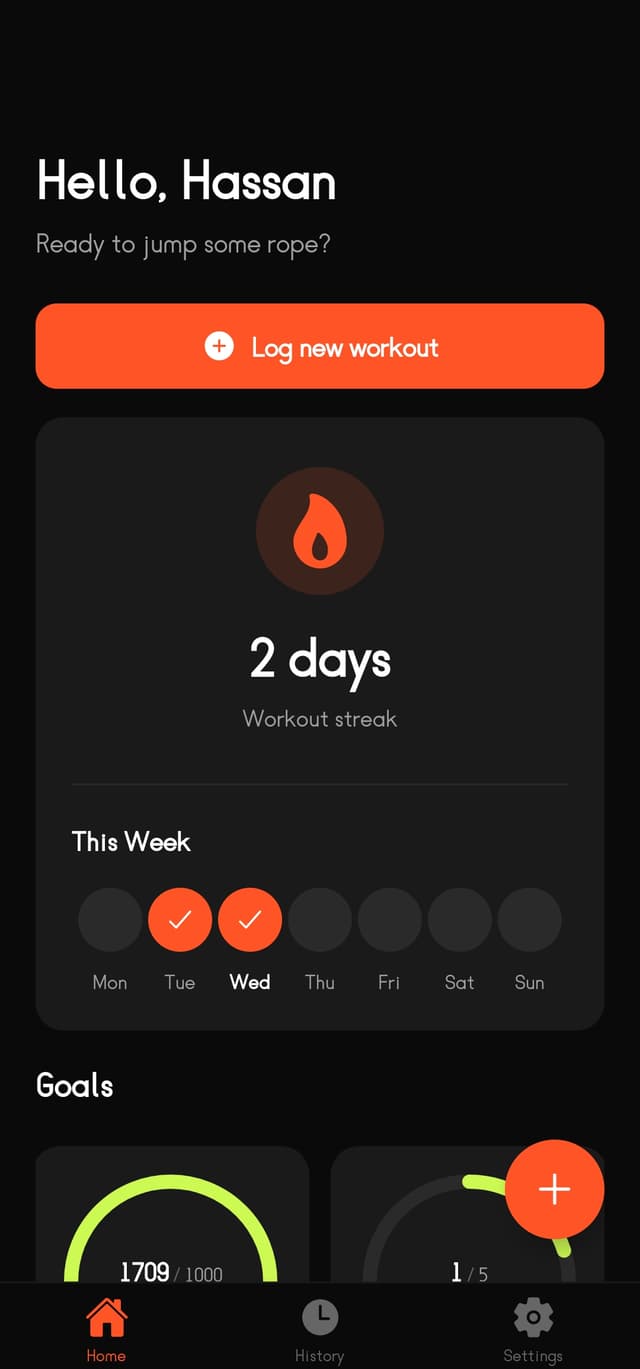
Build streaks. Break records.
Keep the flame alive with consecutive-day tracking. Mark rest days to protect your streak. No excuses — if it breaks, it breaks.
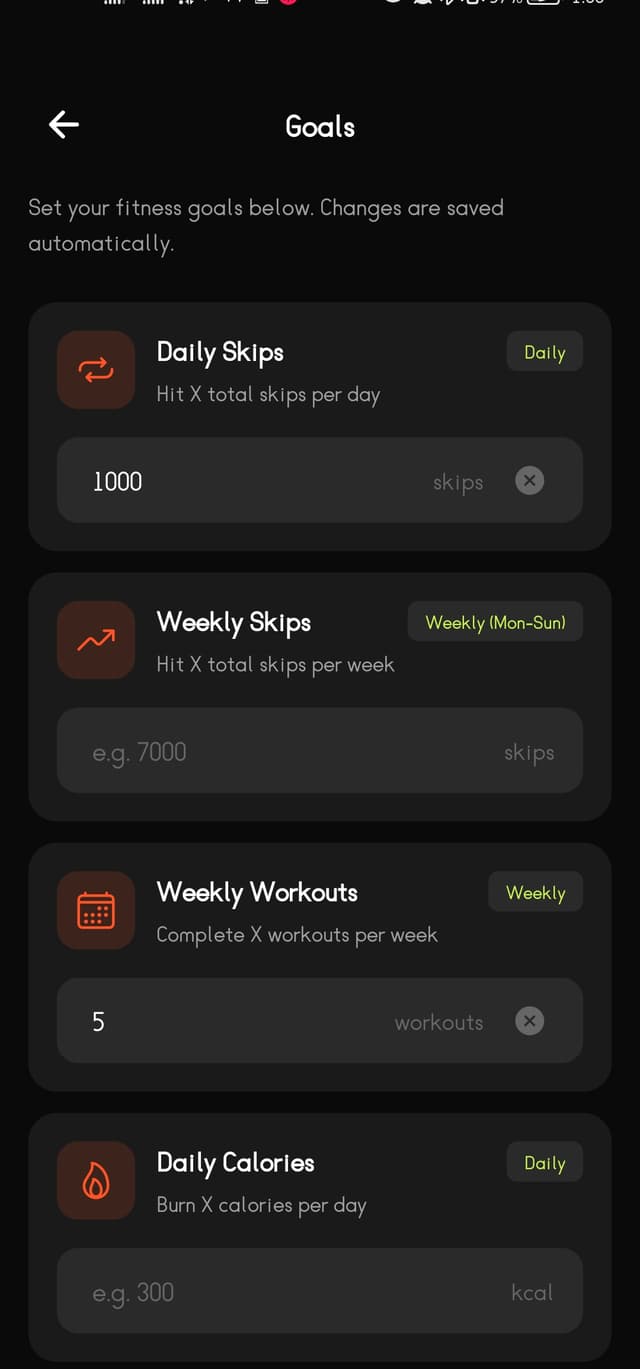
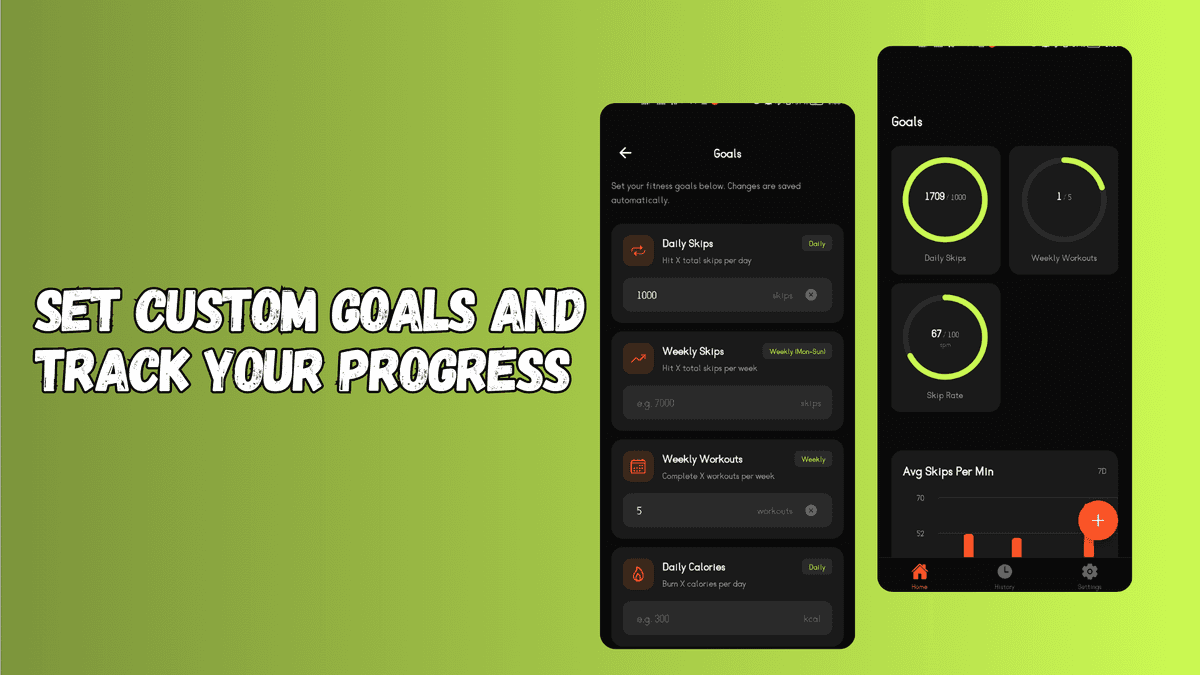
Set goals. Crush them. Repeat.
Daily and weekly goals for skips, calories, duration, or workout count. Progress rings keep you honest. Automatic resets so you're always moving forward.
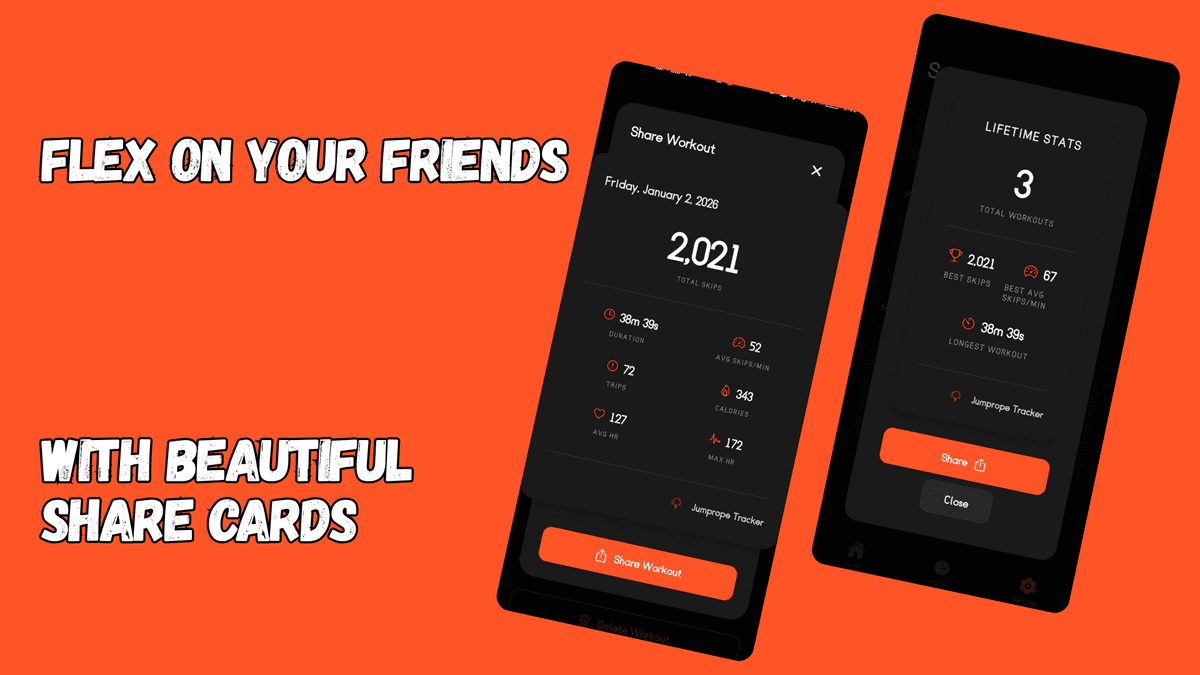
Show off your progress.
Generate beautiful, branded share cards for milestones, streaks, and personal records. No watermarks. Just clean, shareable wins.
Why Jumprope Tracker?
Offline First
All your data lives on your device. No cloud, no accounts, no subscriptions — ever.
Minimal & Focused
One thing, done exceptionally well. No feature bloat. No distractions.
Delightful UX
Smooth animations, satisfying interactions, and celebratory moments at every milestone.
Everything you track, in one place.
Earn badges. Build momentum.
From your first skip to a million — every milestone is celebrated.
First Skip
Log your first workout
7-Day Streak
Work out 7 days in a row
30-Day Streak
Work out 30 days in a row
Thousand Club
1,000 skips in one session
Speed Demon
150+ avg skips/min
Million Club
1,000,000 lifetime skips
See it in action.
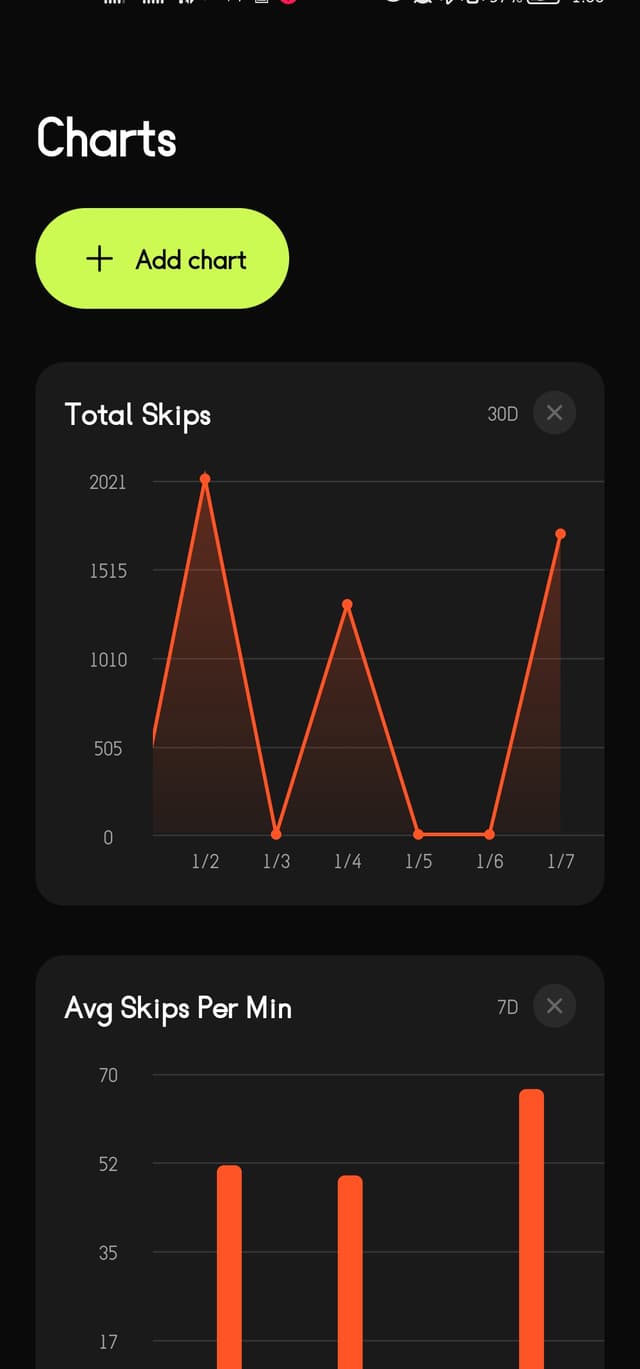
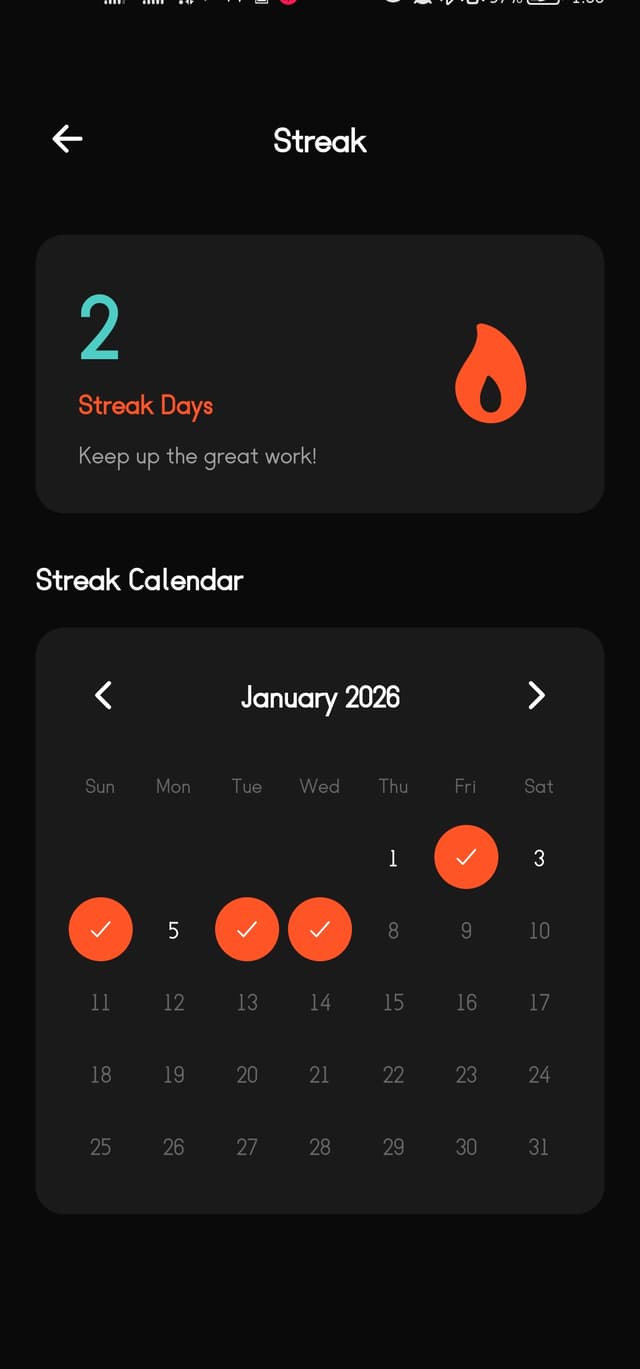
Ready to jump?
Free. Offline. No accounts. Just you and your rope.
Frequently asked questions
Yes, completely free. No in-app purchases, no subscriptions, no premium tier. Download it, use it forever.
No. The app is fully offline. All your data is stored locally on your device. We offer cloud-sync features, but those are optional.
The app is designed to work completely offline. Your data never leaves your device, unless you enable features like cloud sync or AI coach. Feel free to read our privacy policy if you want to learn more.
Jumprope Tracker is available for Android (via Google Play or direct APK) and iOS (IPA). It's built with React Native, so it runs natively on both platforms.
Yes. You can export all your workouts as a CSV or JSON file anytime from the Settings screen. Save it to your files, email it to yourself, or upload it to cloud storage.
The AI Coach is an in-app chat assistant that has access to your workout history, goals, and streaks. You can ask it for training advice, request a weekly digest, or even log a workout in plain English.
Your streak resets. No freezes, no mercy — that's by design. Consistency is the whole point. You can mark planned rest days in advance to preserve your streak.
Yes! You can find the full source code on GitHub. Contributions and feedback are welcome.
Privacy Policy
Effective Date: April 7, 2026 · Last Updated: April 7, 2026
The short version: This app works completely offline by default. Your data stays on your device unless you turn on Cloud Sync or the AI Coach — both are off by default and clearly explained below.
1. Who made this app?
Jump Rope Tracker was built by Hassan Aziz, an independent developer. This is not a company — it's a solo hobby project.
If you have any questions or concerns about your privacy, you can reach out directly at hassanaziz0012@gmail.com.
2. Who is this app for?
This app is for people aged 13 and older. If you're under 13, please don't use it. I don't knowingly collect information from children under 13, and if I find out that's happened, I'll delete that data.
3. By default: your data never leaves your phone
Everything you log — workouts, goals, streaks, charts, notes — is saved only on your device. Nothing is sent anywhere unless you turn on one of the optional features below.
This also applies to notifications. Streak reminders and goal nudges are generated entirely on your device. No server is involved.
The social sharing feature works the same way: it creates a shareable image on your device. That image goes nowhere unless you choose to send it yourself. Once you share it via WhatsApp, email, or any other app, what happens to it is up to that app, not this one.
4. Cloud Sync (optional — off by default)
If you turn on Cloud Sync, you'll need to create an account using your name and email address. Once enabled, all of your app data is backed up to a server — workouts, goals, streaks, charts, notes, everything.
Where is it stored?
Your data is stored on servers hosted by Vercel and NeonDB. These are reputable cloud infrastructure providers, but they operate under their own privacy policies and terms of service, which are outside my control.
Want to delete your data?
Turn off cloud sync for your account inside the app, and all your data will be automatically deleted from our cloud servers.
5. AI Training Coach (optional — off by default)
The AI Coach gives you personalized coaching and analysis based on your workout history. It's powered by Google Gemini. Before you can turn it on, you'll see a clear explanation of what data gets shared and where it goes — you have to explicitly agree.
What gets sent to Google?
When the AI Coach is active, the following is sent to Google's Gemini API (via my backend server):
- Your workout data, including any notes you've written
- Your goals and progress
- Your streak and rest day history
- Your chat history with the coach
Heads up: Your workout notes are plain text and are included when your data is sent to Gemini. Avoid putting sensitive personal information in your notes if you plan to use the AI Coach.
Google's role
Google processes the data you send through the AI Coach according to their own privacy policy. I don't control what Google does with that data on their end.
Chat history
Your conversations with the AI Coach are stored on my server and kept until you delete them. There's no automatic expiry. You can delete individual chats or everything from within the app's Settings.
Turning it off
You can disable the AI Coach at any time in Settings. This immediately stops all data from being sent. You'll also be given the option to delete your stored conversation history.
6. Crash reporting (Sentry)
The app uses a service called Sentry to catch bugs and crashes. This runs in the background for all users and helps me fix problems.
When a crash or error happens, Sentry may collect:
- Your device type and operating system version
- The app version you're running
- Your IP address
- What you were doing in the app just before the crash
- Technical error details
If you're logged into a Cloud Sync account when a crash happens, your account details may be associated with the crash report. This helps me debug account-specific issues.
Crash data is handled by Sentry, Inc. under their own privacy policy at https://sentry.io/privacy/. I only use this data to fix bugs.
7. A note on third-party services
This app connects to a few external services when you use optional features. Each of these services is responsible for their own data practices:
- Vercel — hosts the backend server
- NeonDB — stores your synced data
- Google Gemini — powers the AI Coach
- Sentry — handles crash reporting
I've chosen reputable providers and use encrypted connections for all data in transit. But I'm a solo developer, not a security company. If something goes wrong on the side of one of these providers, that's outside my control and beyond what I can be held responsible for. By using these optional features, you're also agreeing to those providers' own terms.
8. Changes to this policy
If I make significant changes to this policy, I'll let you know through the app. The "Last Updated" date at the top of this document will always reflect the latest version. Continuing to use the app after a change means you're okay with the updated policy.